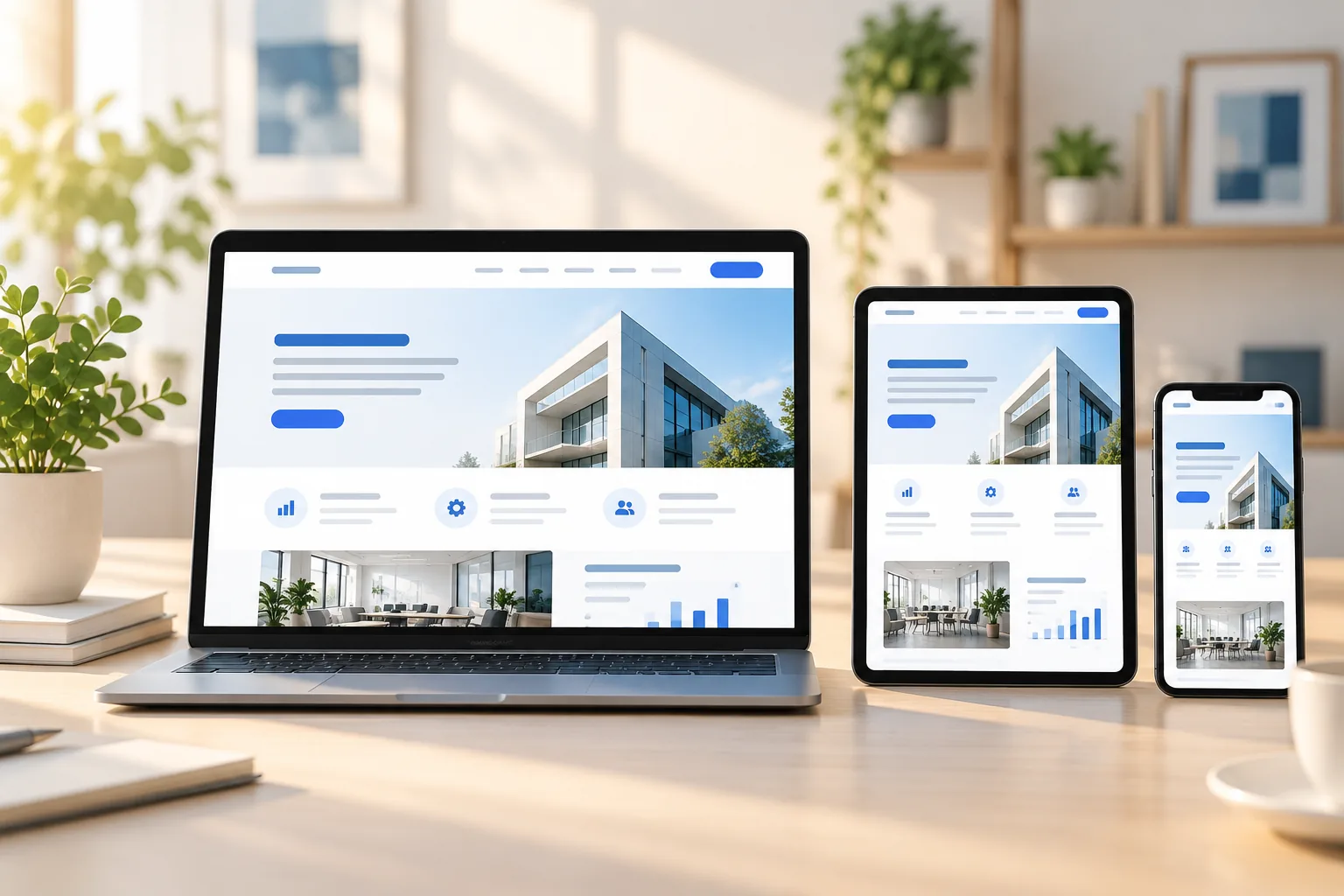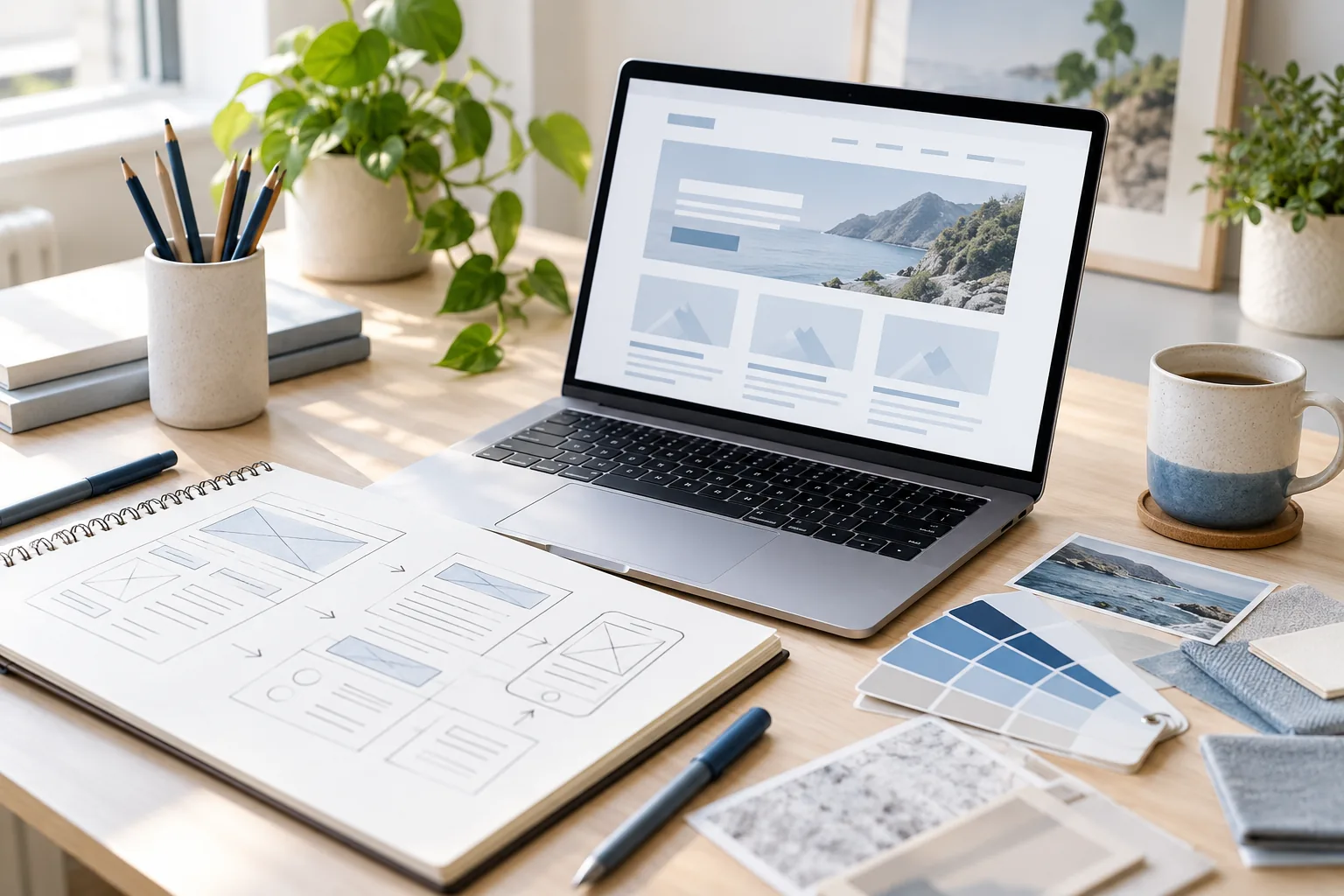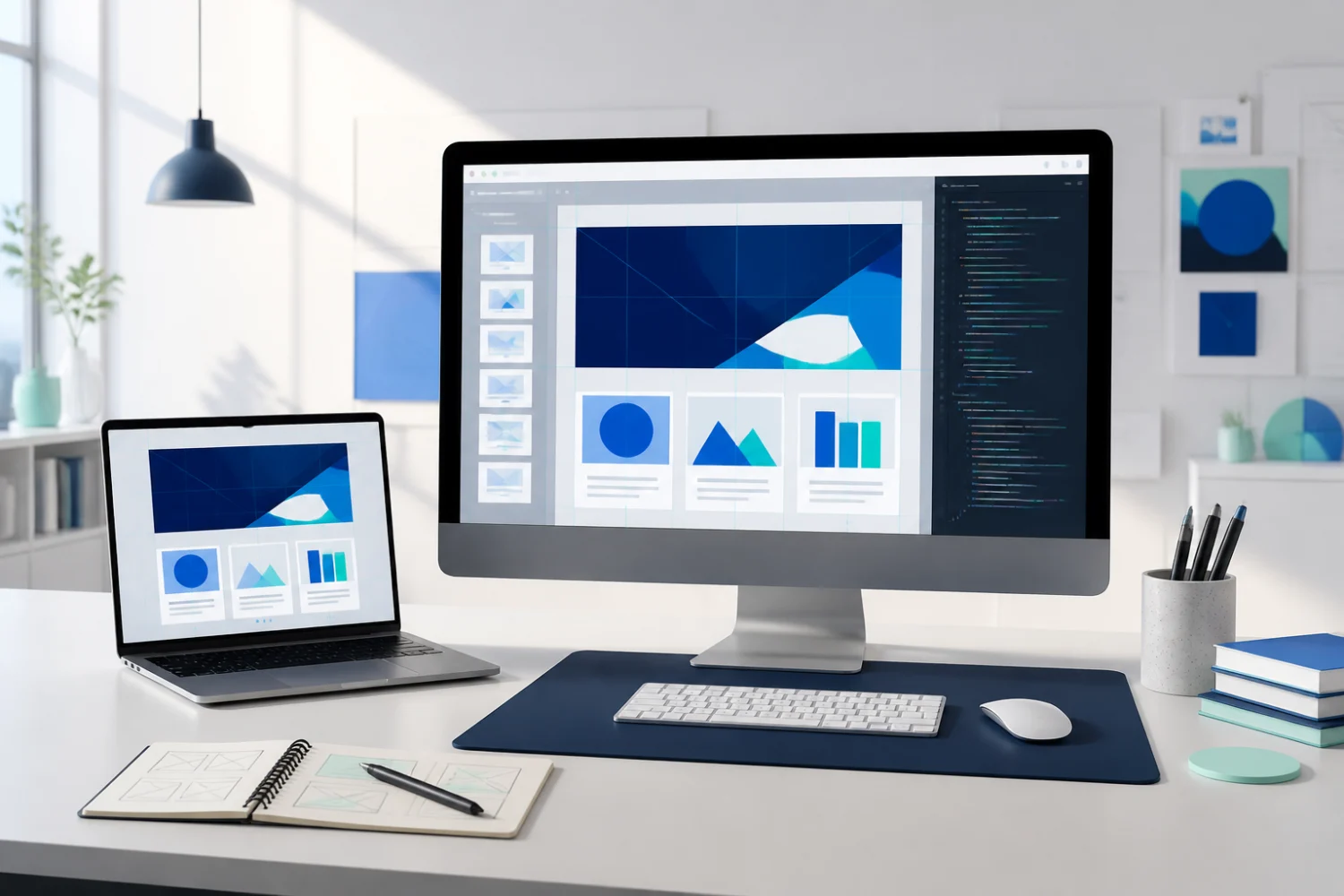
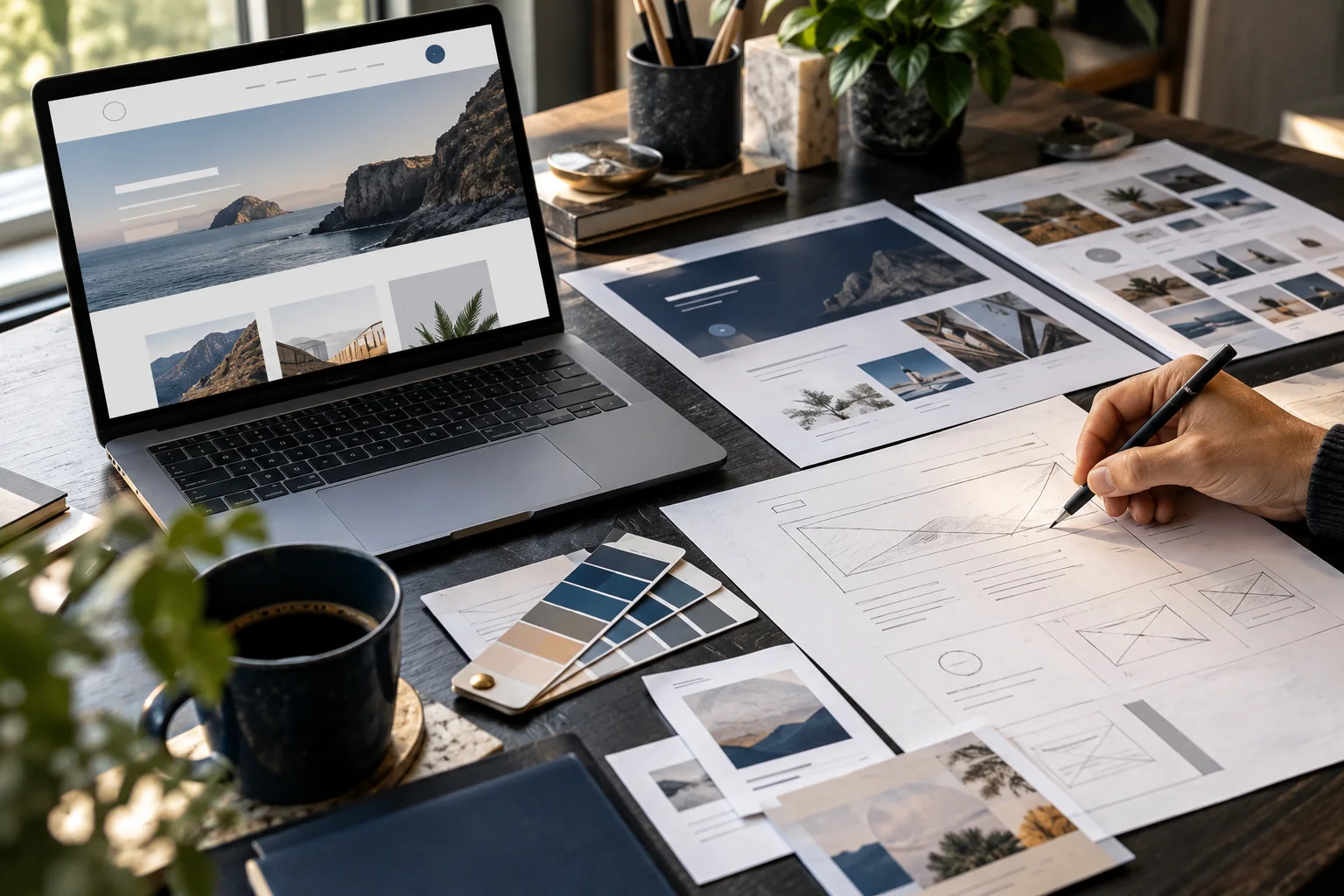
A ready-made WordPress theme can provide a useful starting point, while a custom theme can be shaped more closely around a brand and a specific visitor journey. Neither choice is automatically right for every business. The better option depends on the pages you need, the amount of custom behaviour involved and how the site will be maintained.
When a ready-made theme may be a practical fit
A well-supported theme can suit a straightforward website with familiar page types and limited design variation. It may help a team get a consistent starting structure, provided the chosen theme remains maintained and does not require a pile of add-ons to reproduce the demo.
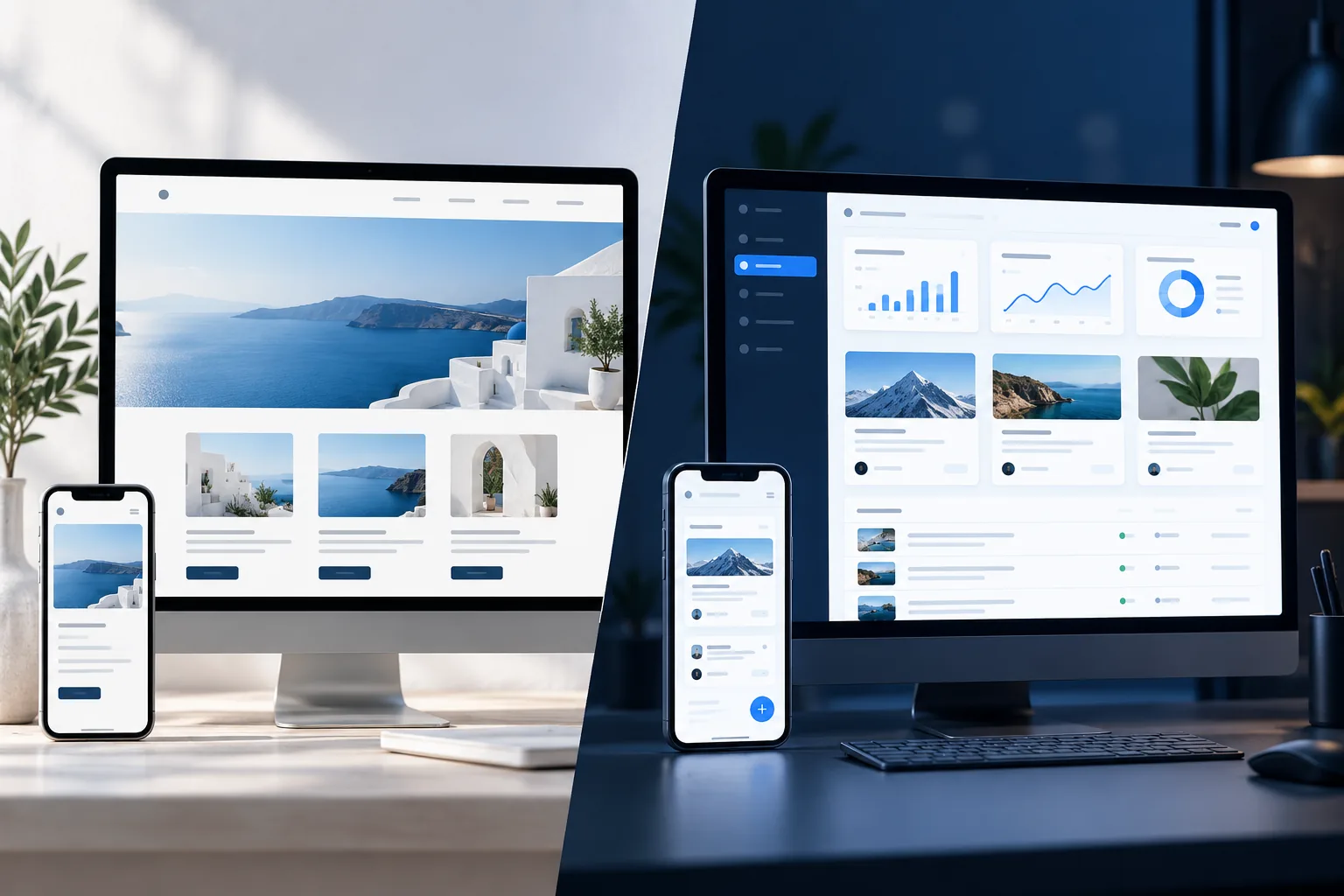
Before choosing one, test the actual content in its layouts. Check mobile navigation, heading lengths, image crops, accessibility basics and the editing controls. A theme preview is not the same as a finished website for your business.
- Match the theme to your real page list
- Review mobile layouts and editing controls
- Check ongoing updates and plugin dependencies
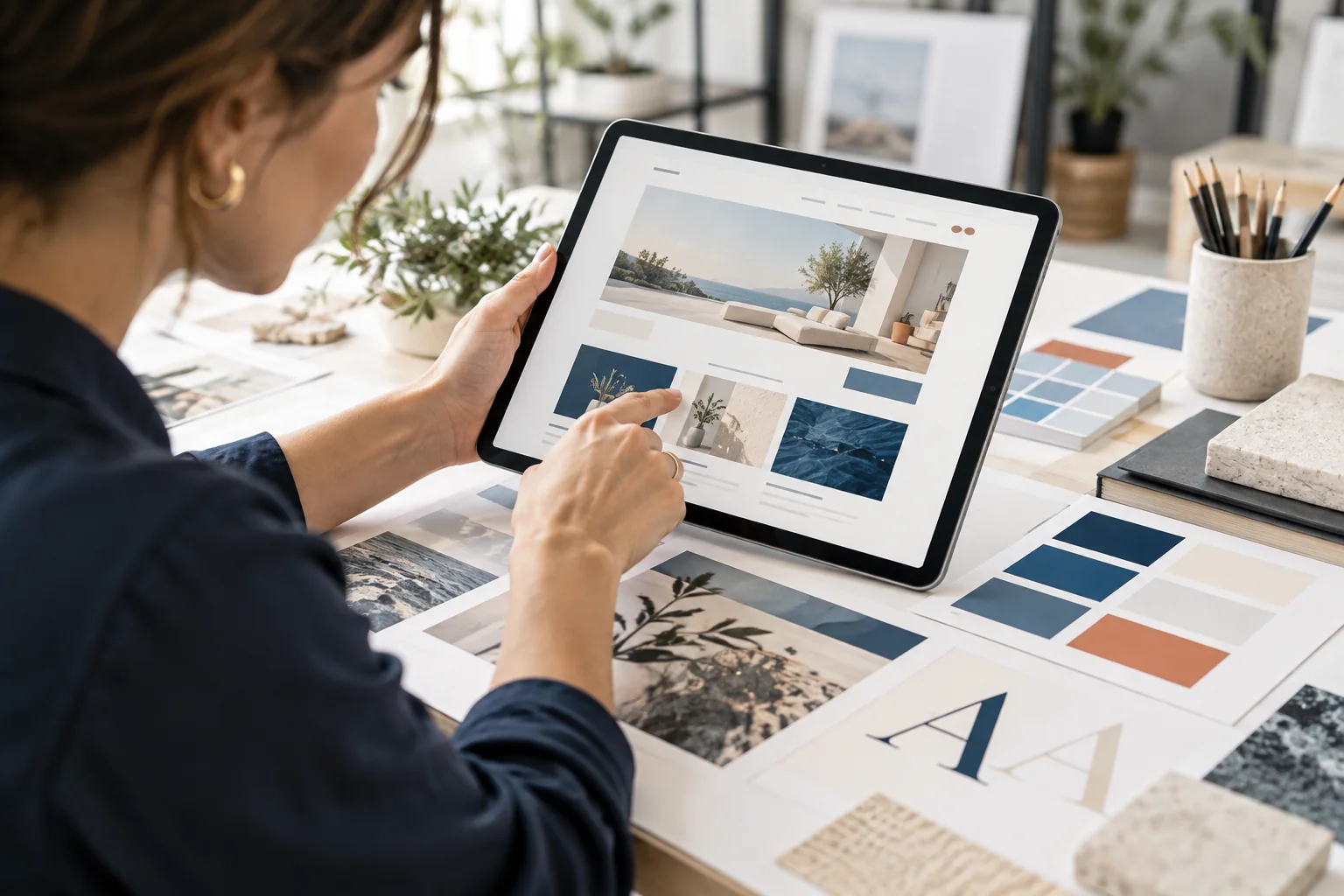
When a tailored WordPress design is worth exploring
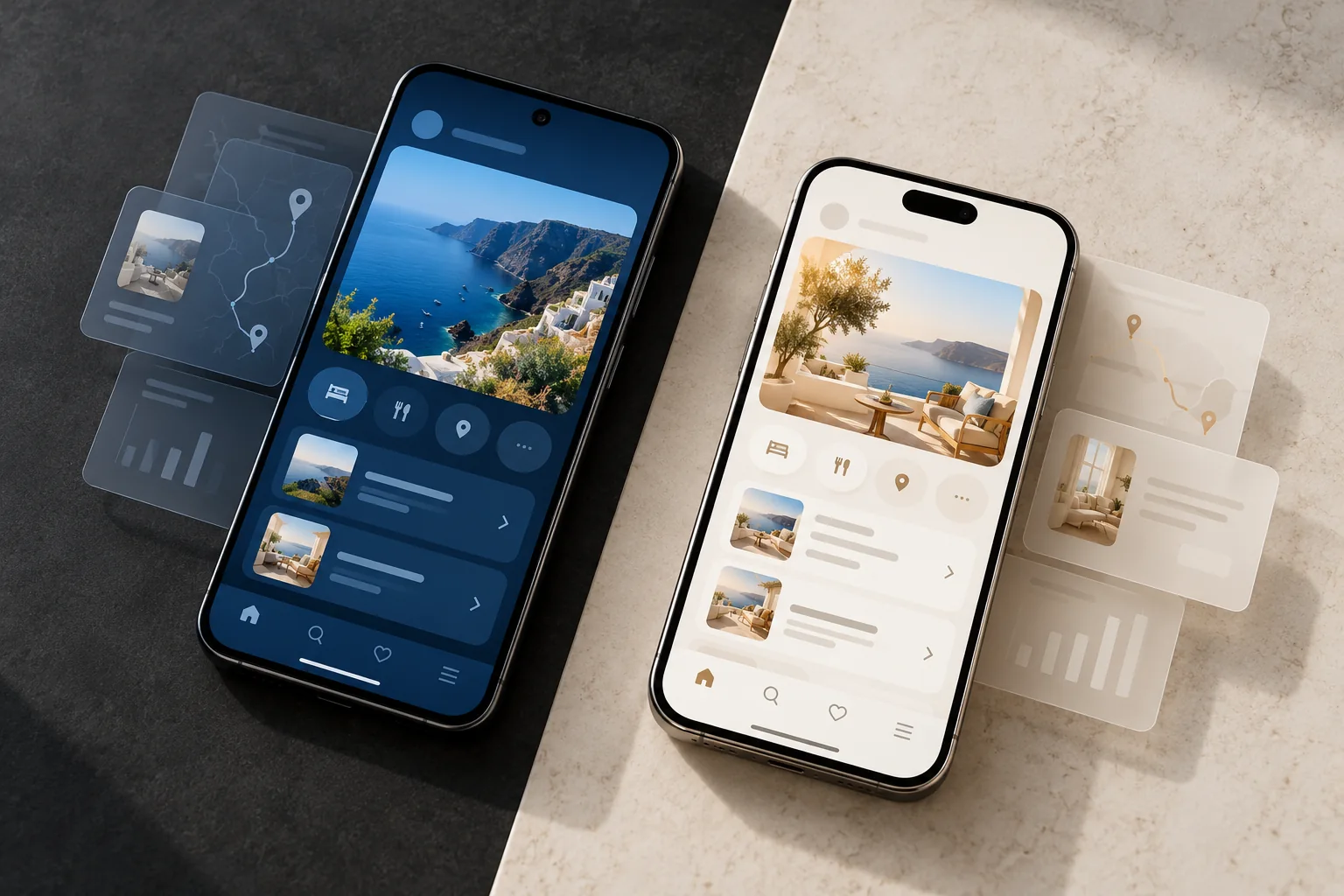
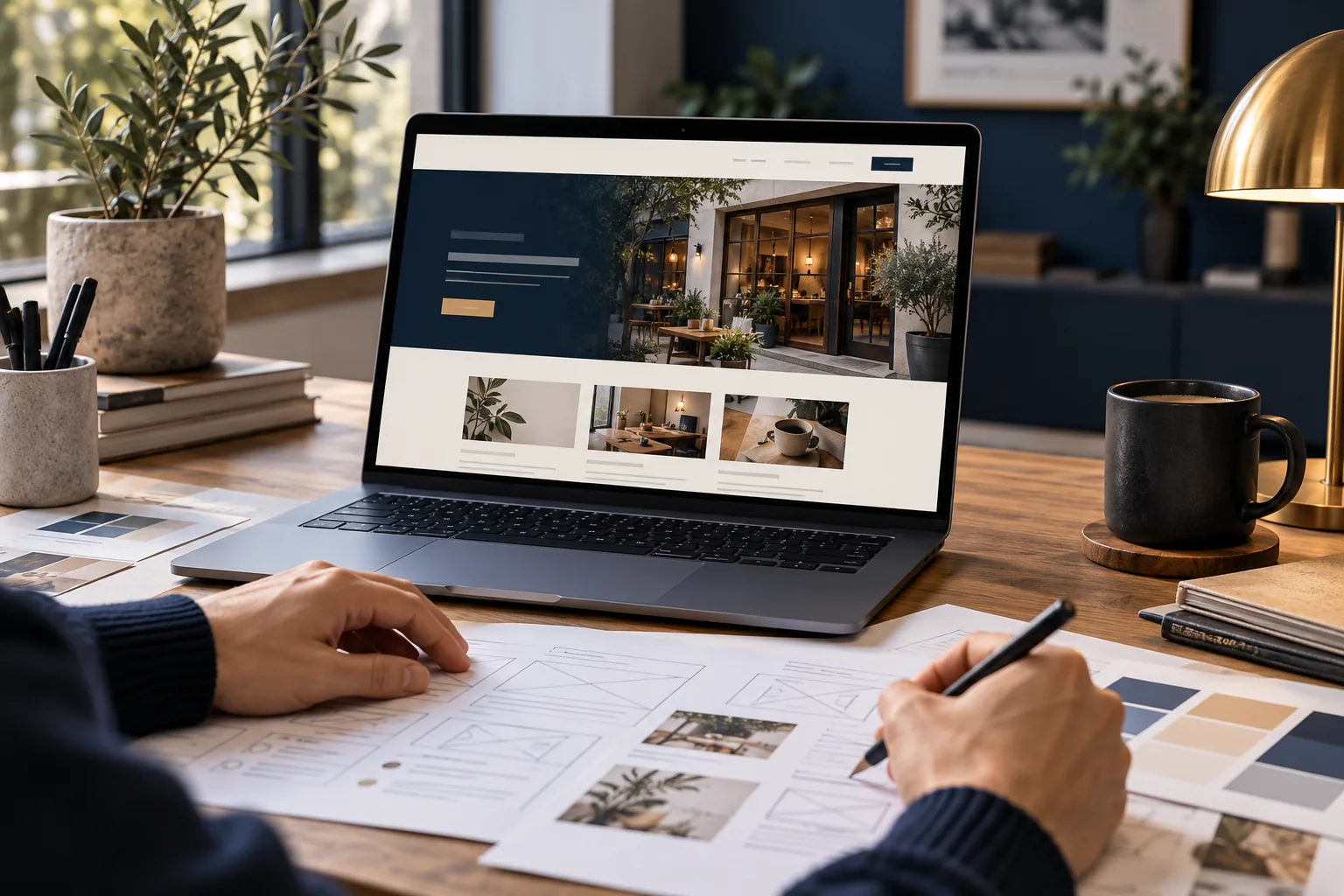
A custom design may be useful when your content structure, brand or customer journey does not fit standard layouts. It can give a WordPress Website Designer more control over reusable page patterns and the details that help visitors compare services, find information or complete a task.
Custom does not mean adding complexity for its own sake. Agree on the design system, responsive behaviour and editing model before development. A WordPress developer should explain which elements are bespoke and how your team will update them later.
- Use custom layouts where they solve a real user need
- Define reusable patterns before building many pages
- Keep content editing understandable for the team
Compare total ownership, not just the first screen
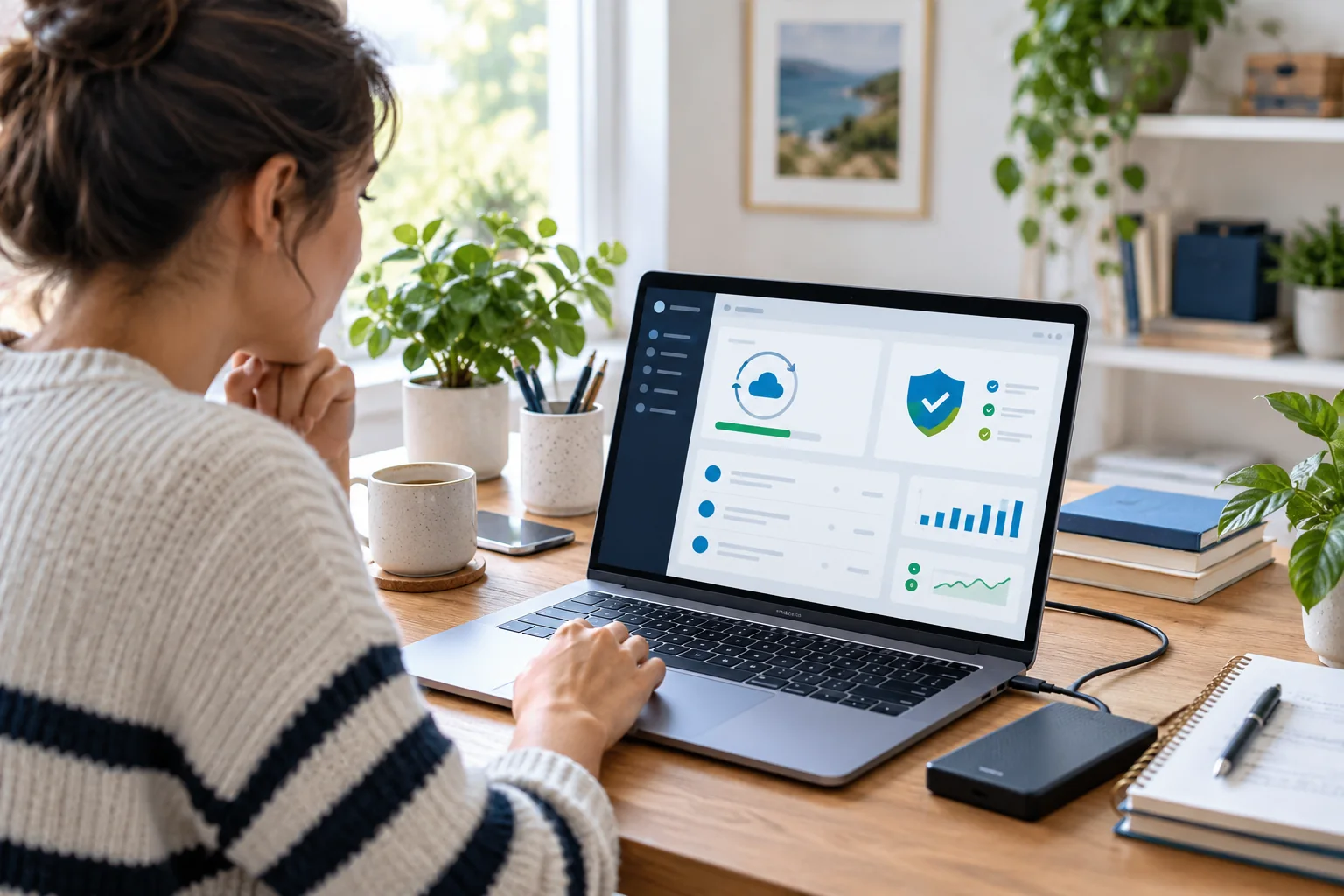
Ask what the site will need after launch: theme and plugin updates, backups, new pages, security reviews and support for integrations. Include hosting and content responsibilities in the discussion. The initial build choice affects future work, but clear documentation and a maintainable setup matter whichever route you take.
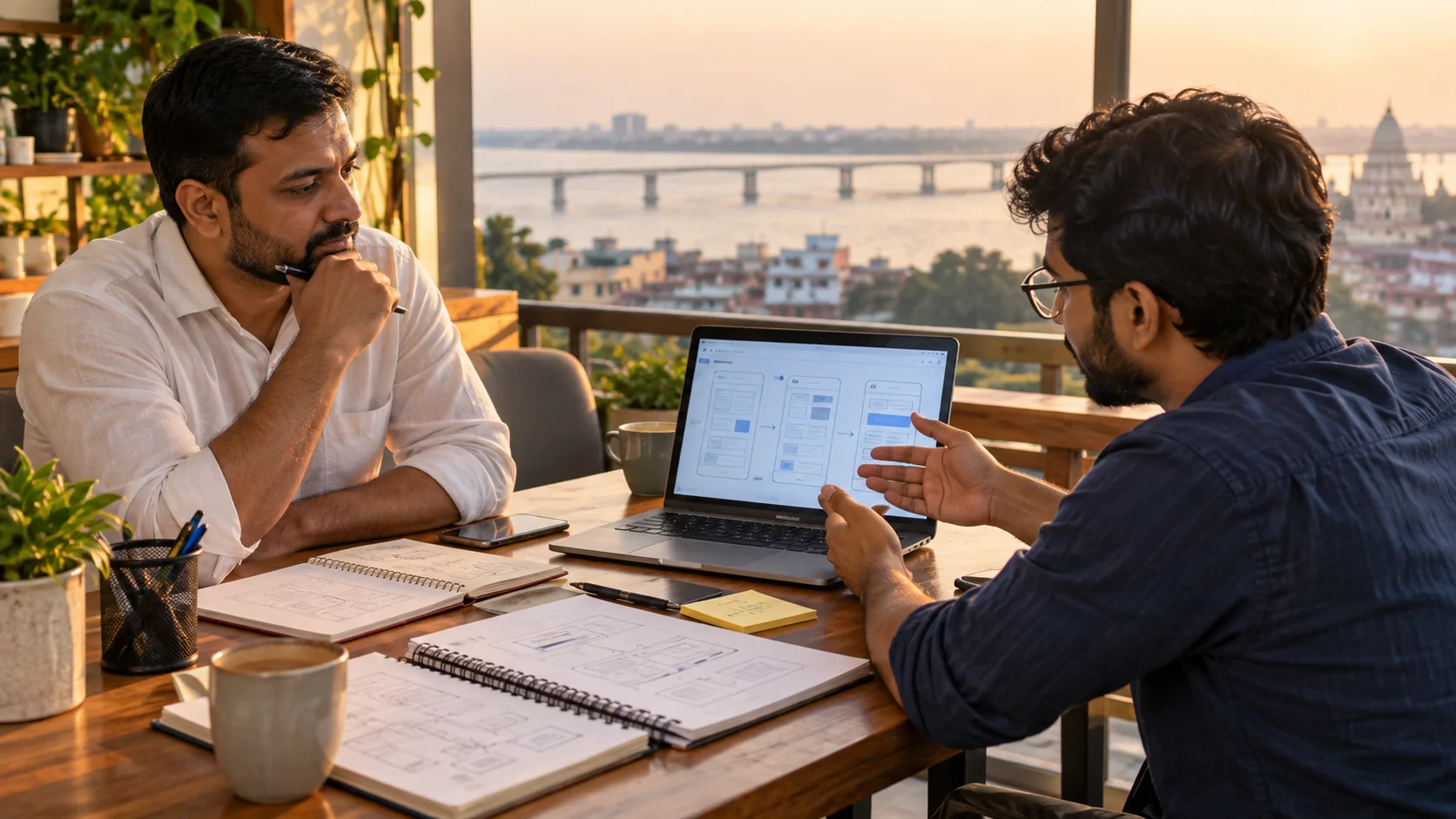
For businesses comparing a WordPress Website Developer in Patna or searching for a WordPress Website Designer near me, request a walkthrough using your own content. It is easier to judge usability when you can see how a real page is created and changed.
- Review maintenance and support responsibilities
- Ask to see how routine content changes are made
- Choose the least complex option that meets the brief
Choose a ready-made theme when it supports your real needs cleanly; consider custom WordPress development when a tailored experience solves a meaningful gap. A clear comparison should include usability, ownership and future updates—not appearance alone.