A WooCommerce launch involves more than uploading products. Customers need to discover the right item, understand its price and delivery, complete checkout and receive clear order information. Before launch, walk through the complete journey as a shopper and as the person who will fulfil each order.
Make the catalogue easy to browse
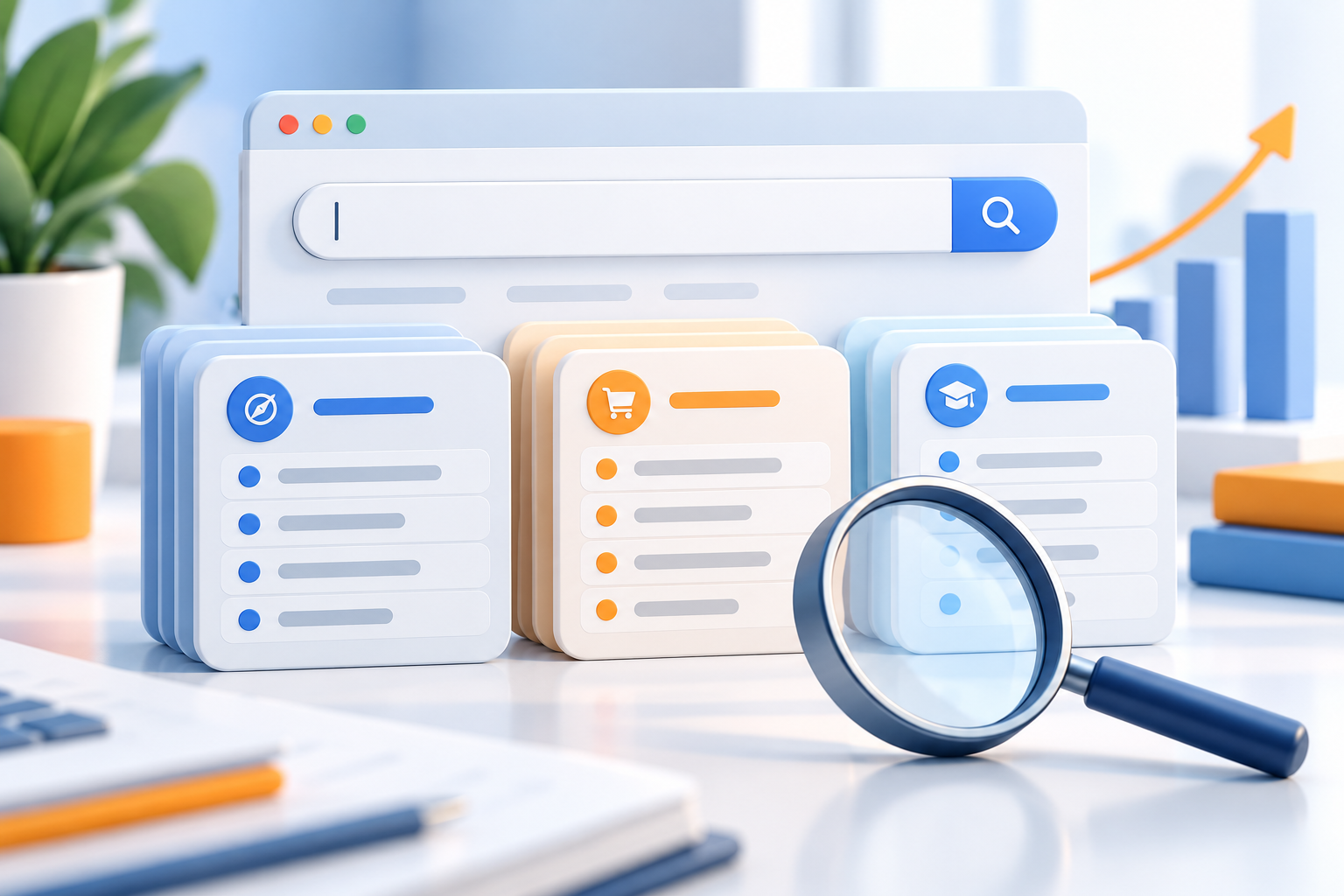
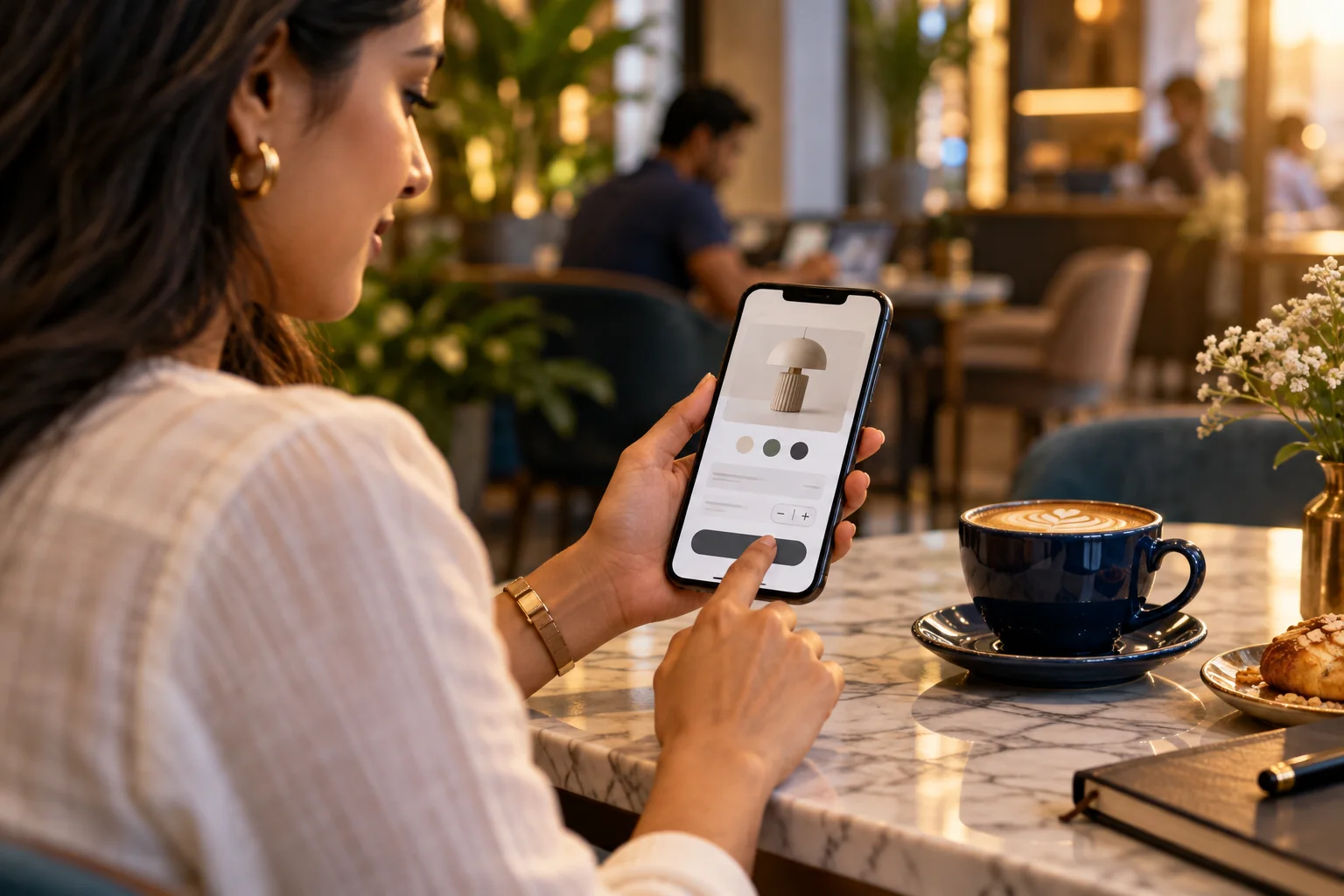
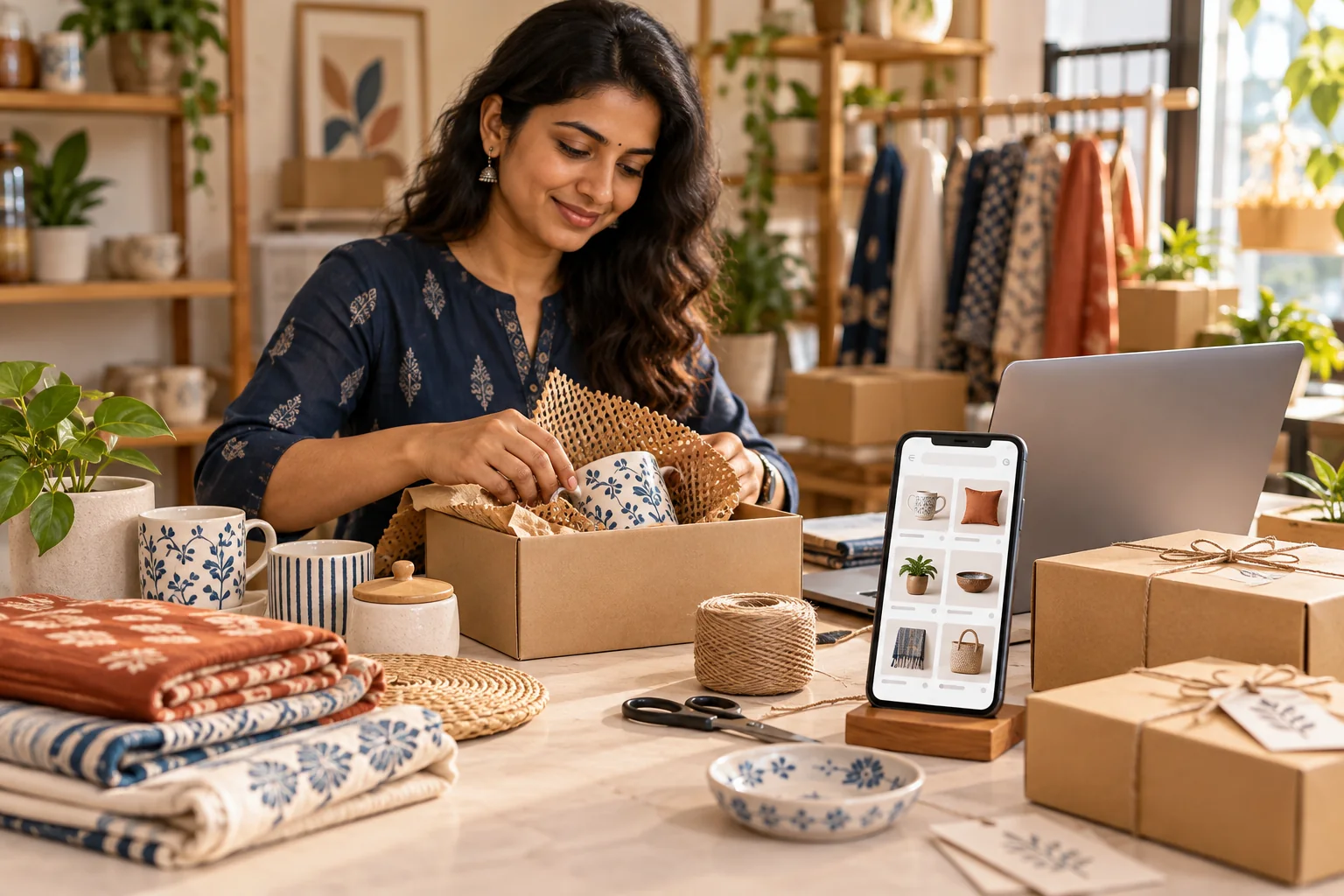
Organise products into categories that reflect how customers shop. Write useful product titles and descriptions, include accurate options and stock details, and use clear images that represent the item. If products vary by size, colour or package, make those choices understandable before a customer adds an item to the cart.
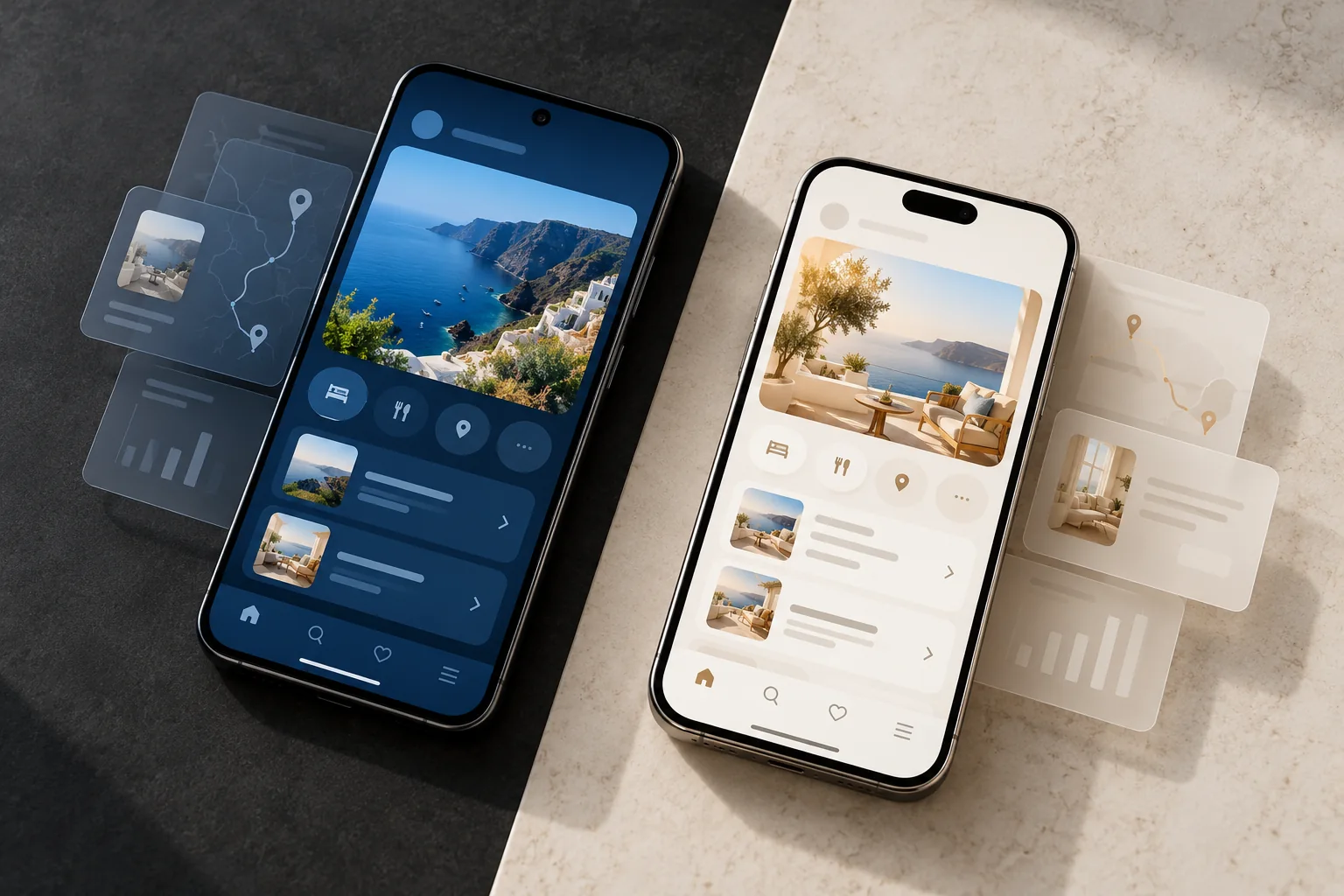
Review the catalogue on a phone as well as a desktop. Filters, category navigation and product details should help shoppers narrow a choice without hiding essential information.
- Check categories, product names and descriptions
- Confirm price, variations and stock information
- Use consistent, appropriately sized product images
Set delivery, payment and store policies clearly
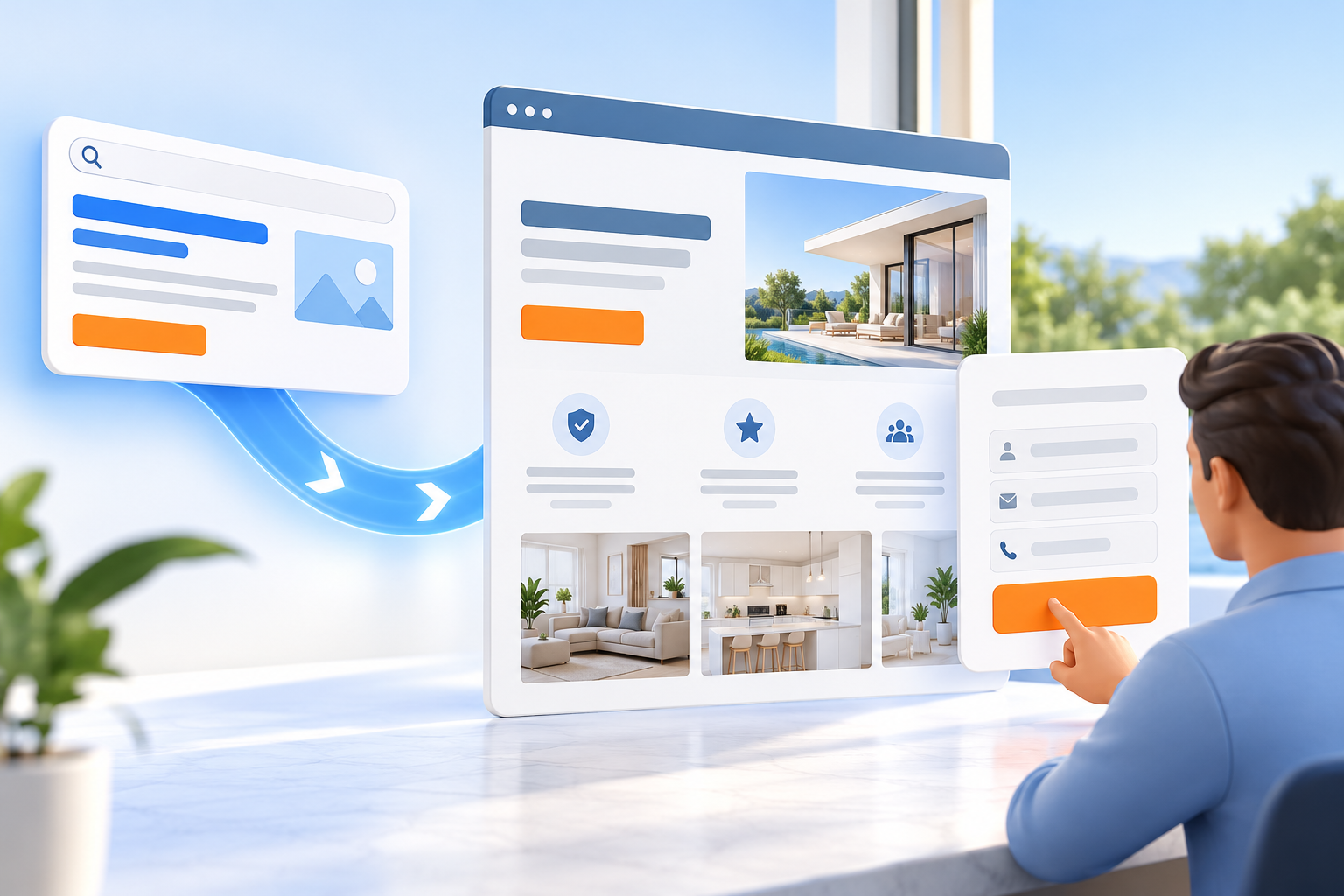
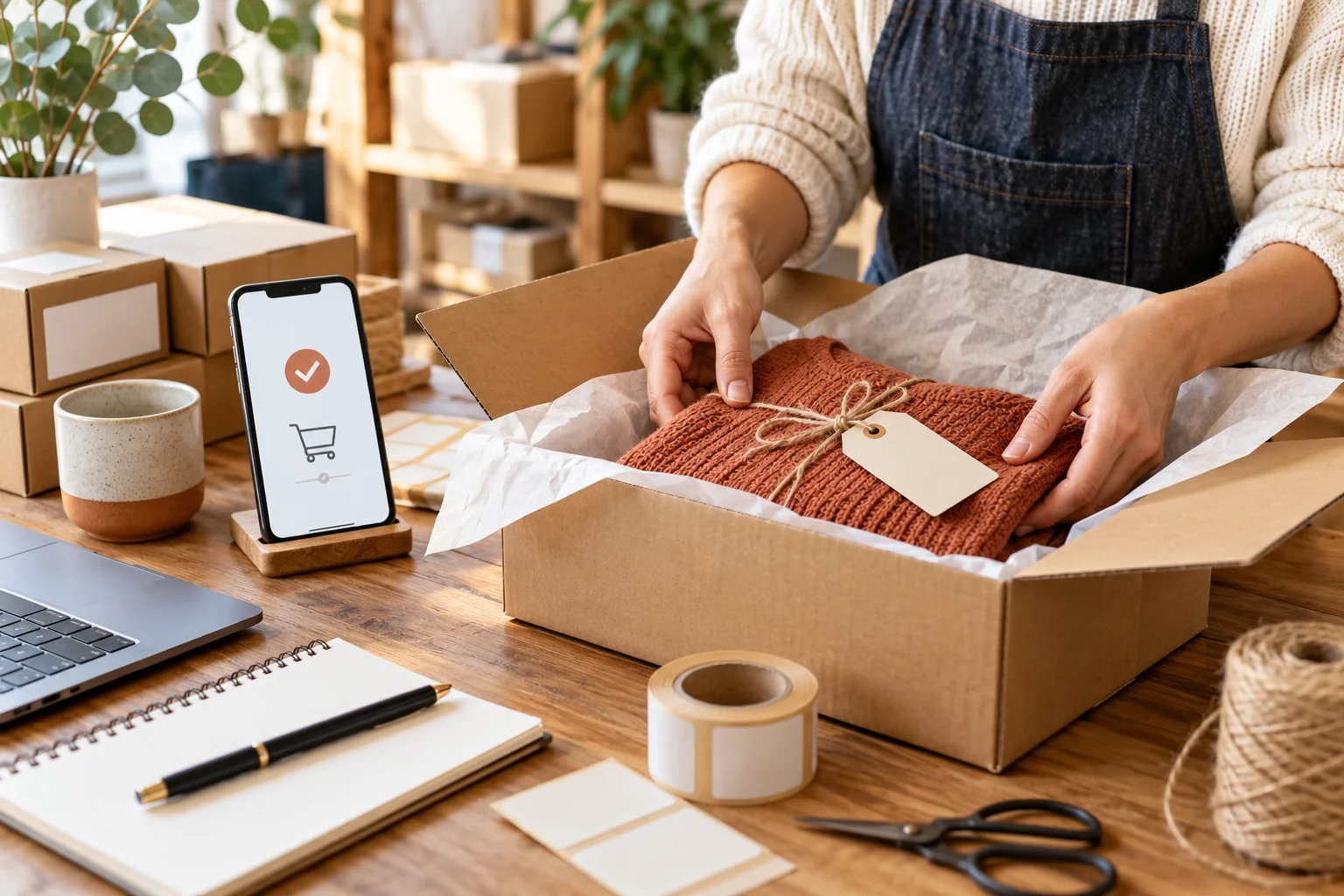
Decide where the business can deliver, how delivery charges are calculated and which payment methods are available. Publish straightforward information about dispatch, returns, cancellations and customer support. These details can affect whether a shopper trusts the store enough to place an order.
For businesses serving Patna, Bihar or customers across India, confirm that the WooCommerce settings reflect the real service area and fulfilment process. Avoid promising delivery times or options that the team cannot reliably provide.
- Test delivery zones and charges
- Verify payment setup and order notifications
- Publish clear shipping, returns and support information
Place test orders from start to finish
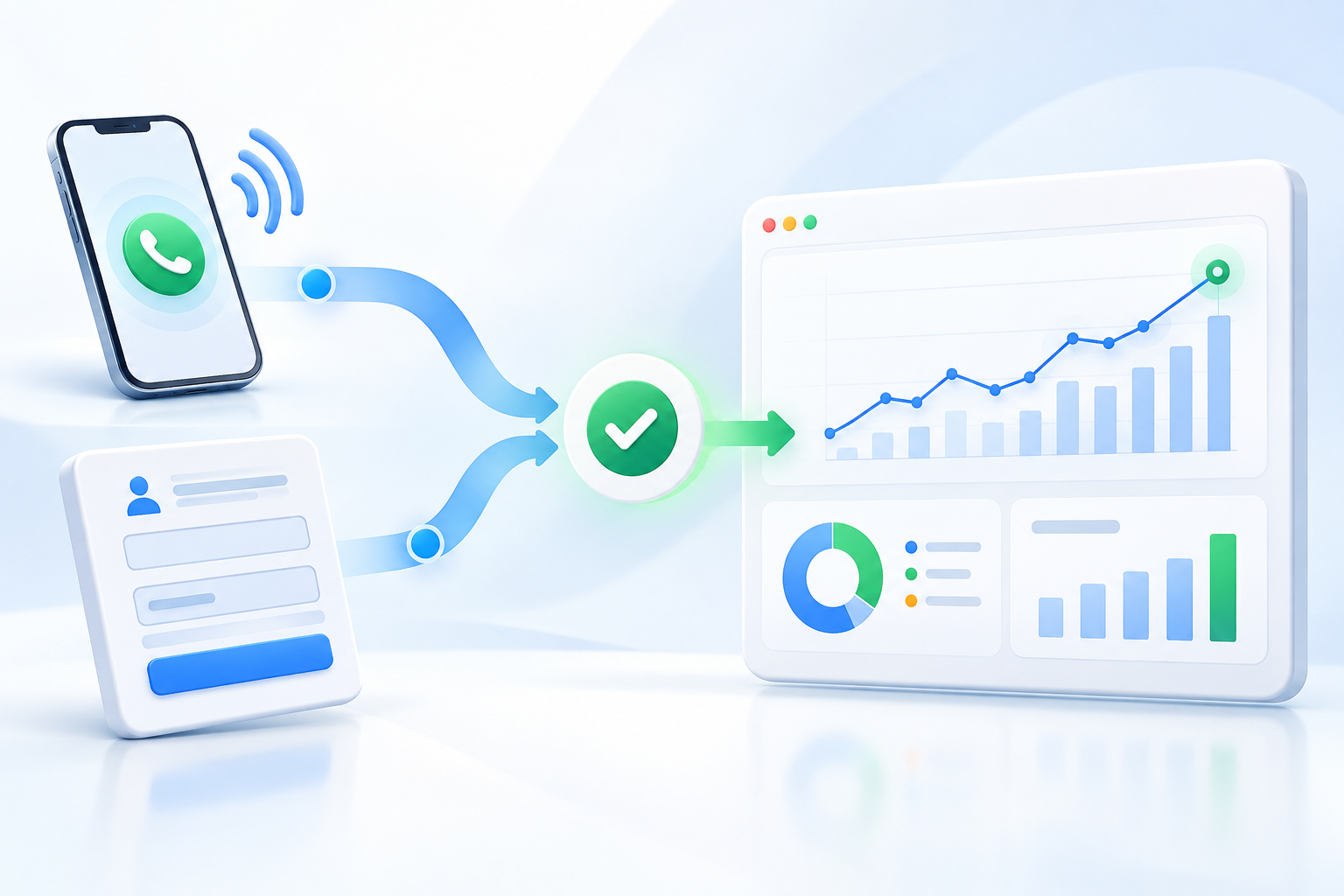
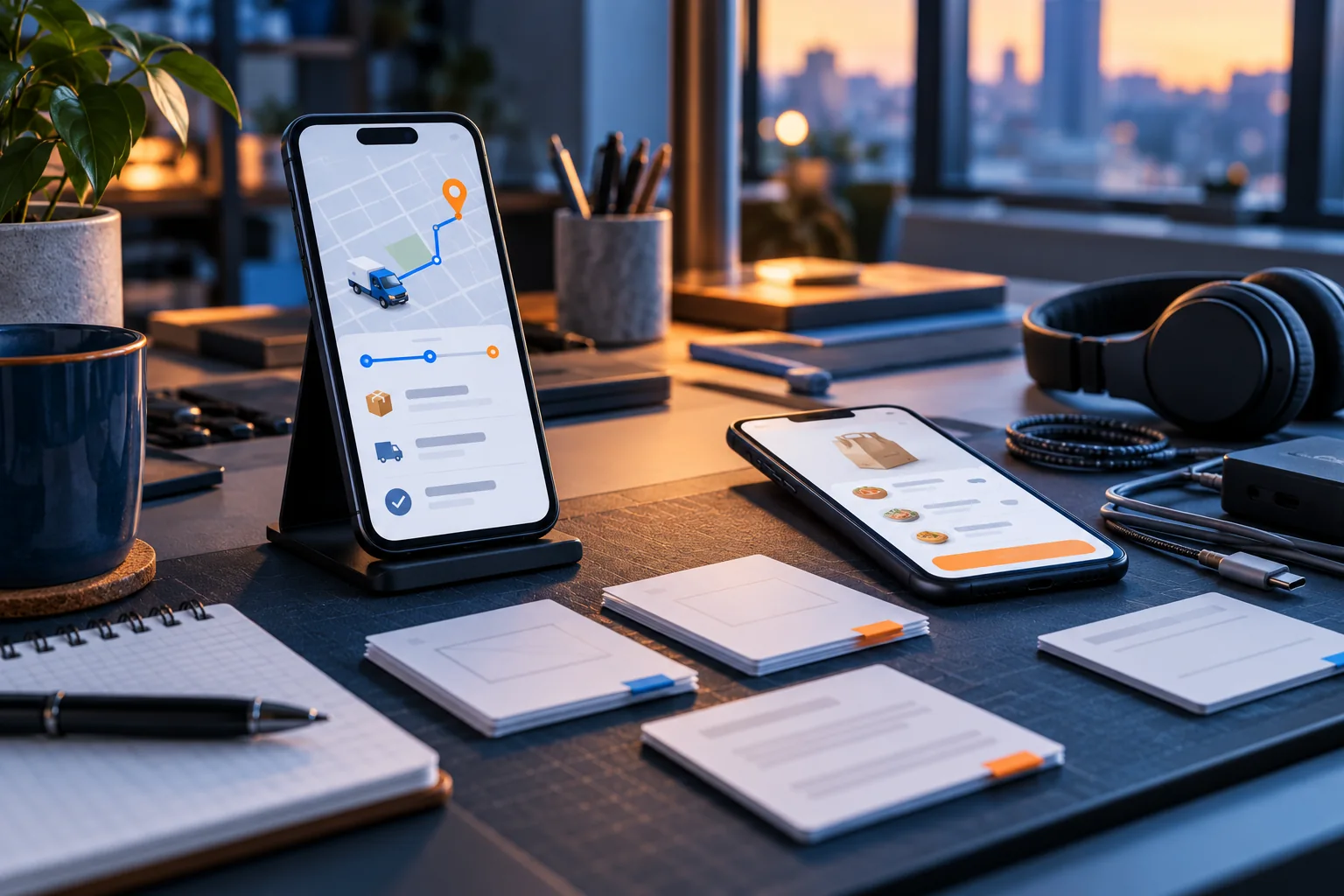
Run test purchases on mobile and desktop, including the payment and confirmation steps that apply to your store. Check order emails, stock changes, tax or invoice details where relevant, and the workflow the team follows to pack and dispatch an order. Confirm what happens if a payment fails or a shopper needs help.
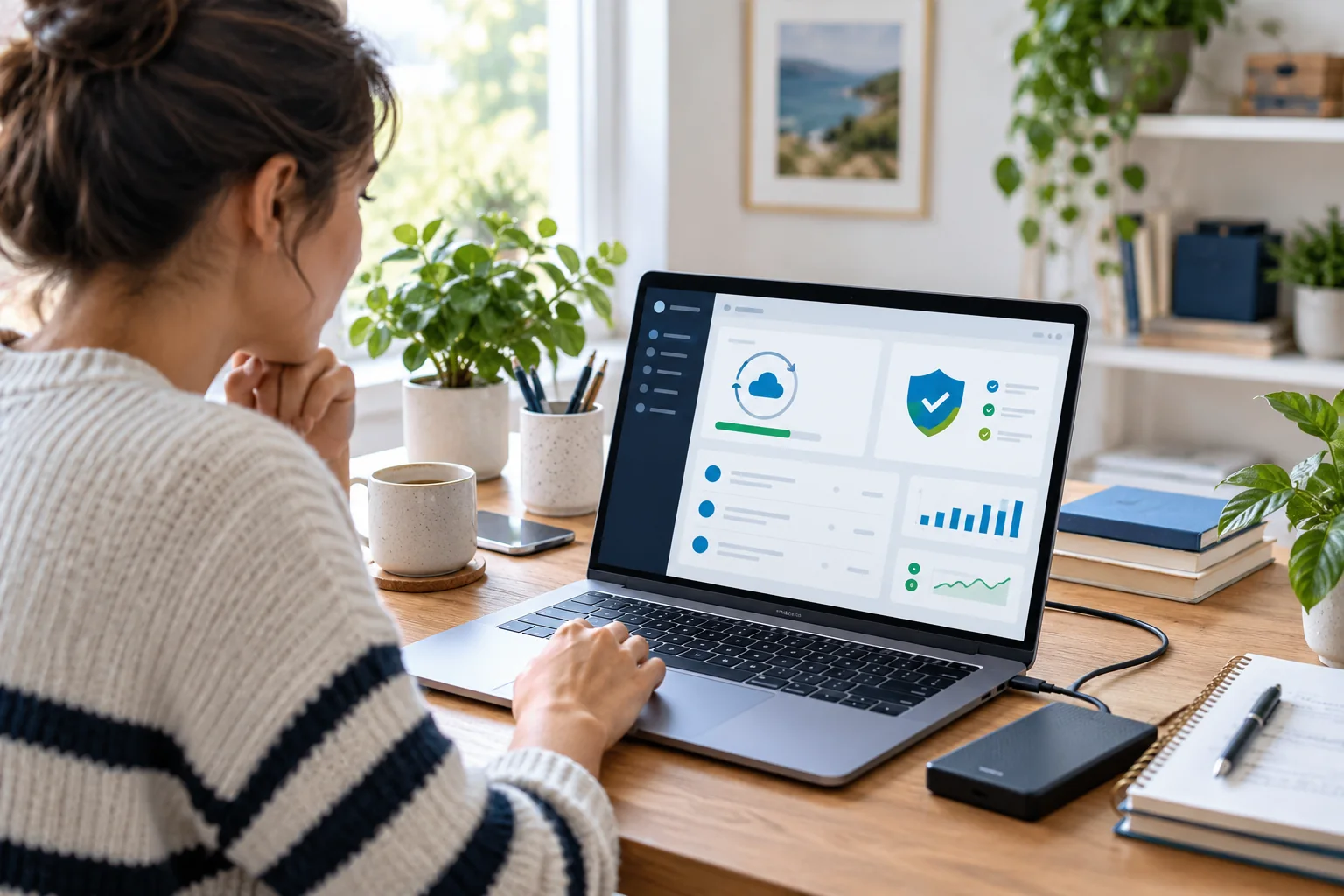
A WooCommerce developer should walk the store owner through routine product edits, order management and the agreed support process. Keep a record of connected accounts and make sure the business, not only the developer, controls the essential logins.
- Test successful, failed and cancelled order paths
- Review customer and store-owner notifications
- Train the team on products, orders and account ownership
A considered launch checklist gives customers a clearer buying experience and gives the store team a practical way to fulfil orders. If you are planning an eCommerce website in Patna, settle the catalogue, checkout and fulfilment details before promoting the store.