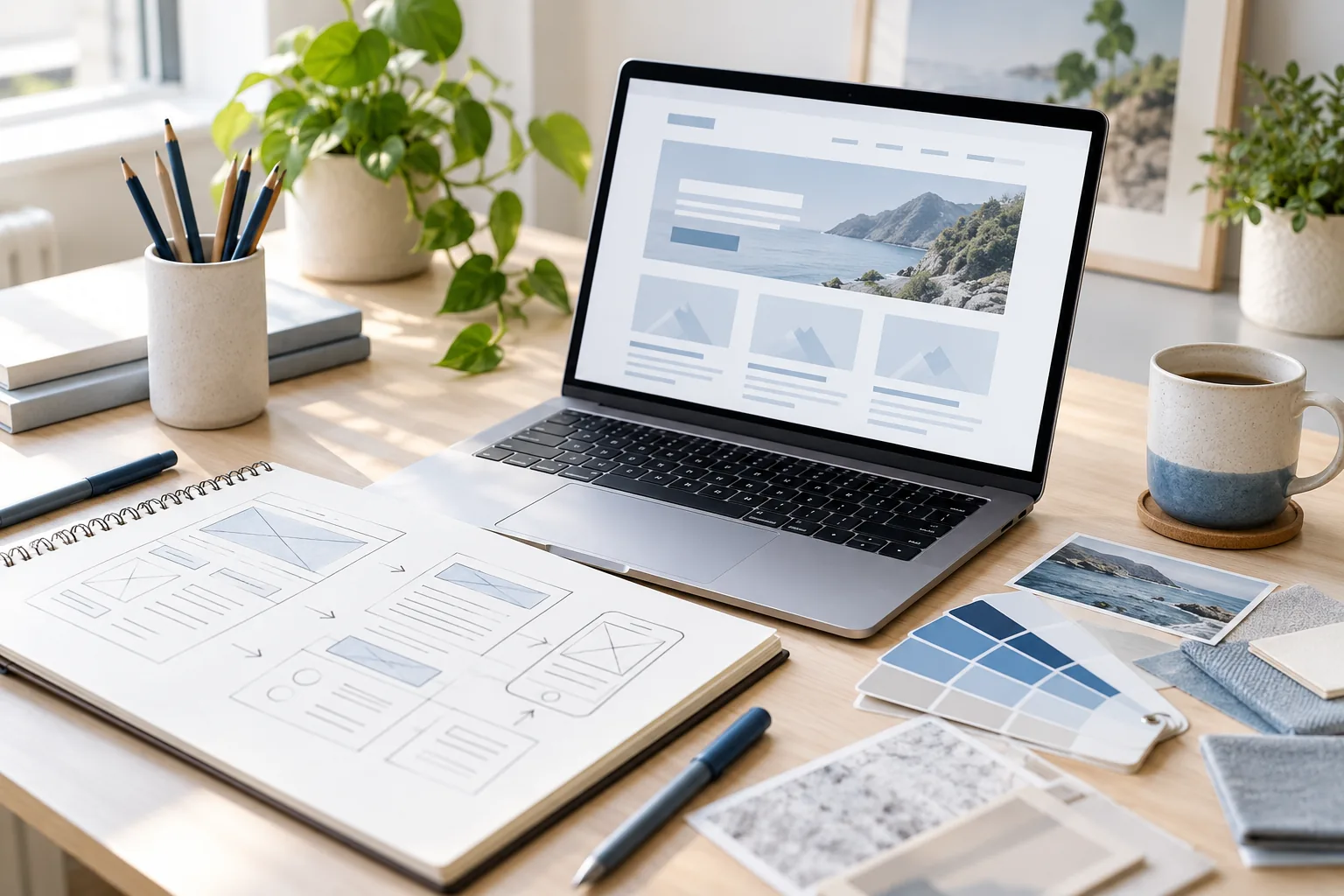

A useful WordPress website starts with decisions about people and purpose, not with a theme demo. Small businesses in Patna can save rework by agreeing what the website should explain, which pages visitors need and how the team will keep information current. Use this checklist to turn an initial idea into a brief a WordPress Website Designer or developer can work from.
Decide who the website is for and what comes next
Describe your main customer in practical terms: what are they looking for, what questions do they ask and what would make them comfortable contacting or buying from you? Choose one primary action for the website, such as requesting a quote, booking an appointment or viewing a product range.
A focused goal helps you prioritise pages. A service business may need clear service descriptions, areas served, evidence of experience and a contact route. A school, clinic or retailer may need different information and more frequent updates.
- Name your primary audience and their common questions
- Choose the most important visitor action
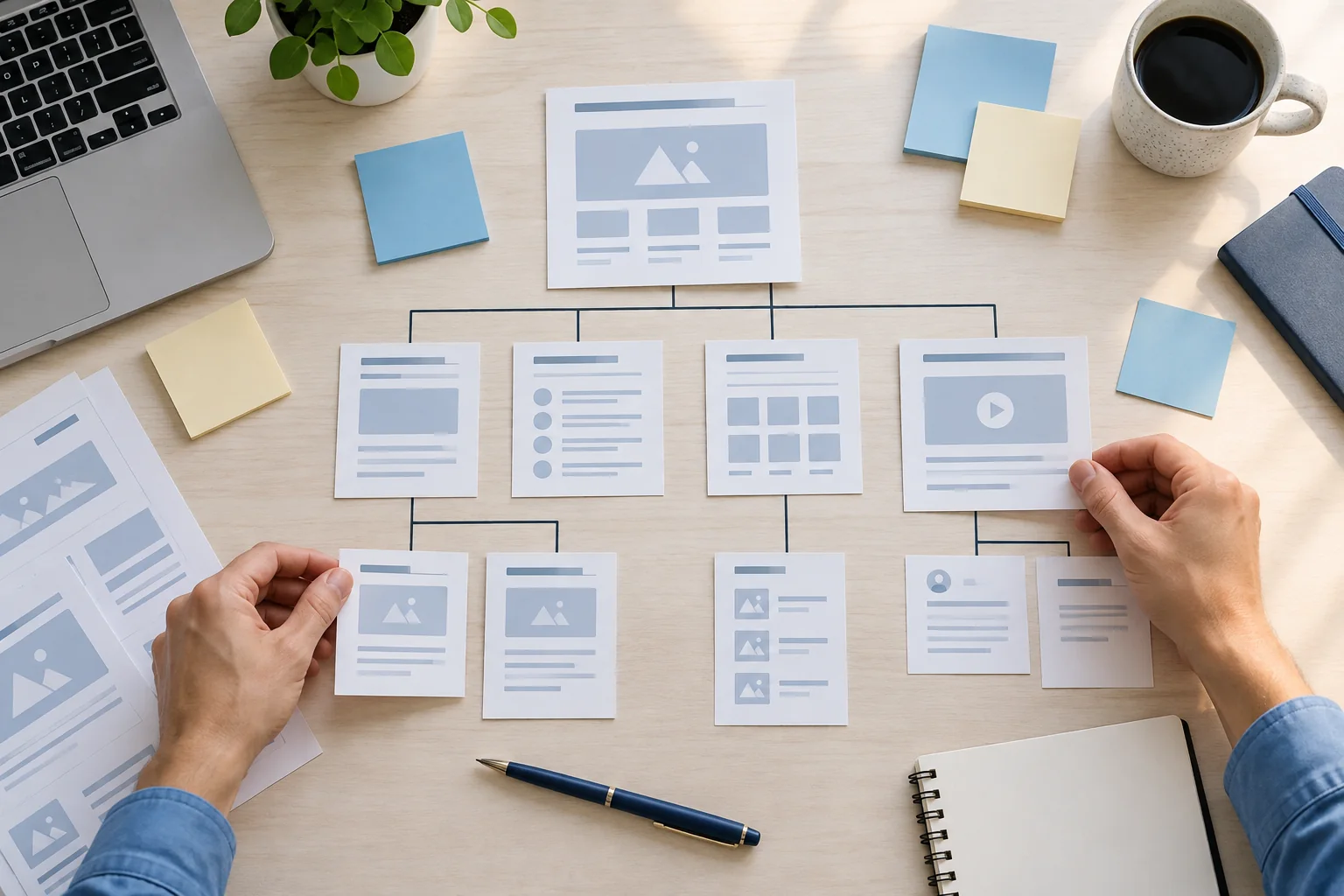
- List the pages needed for the first release
Gather content before refining the design
Collect accurate service details, opening hours, contact information, photographs and any existing brand assets. Draft headings that describe the actual service rather than relying on generic filler. If information is not ready, mark who will provide it and when; missing content often changes page layouts late in a project.
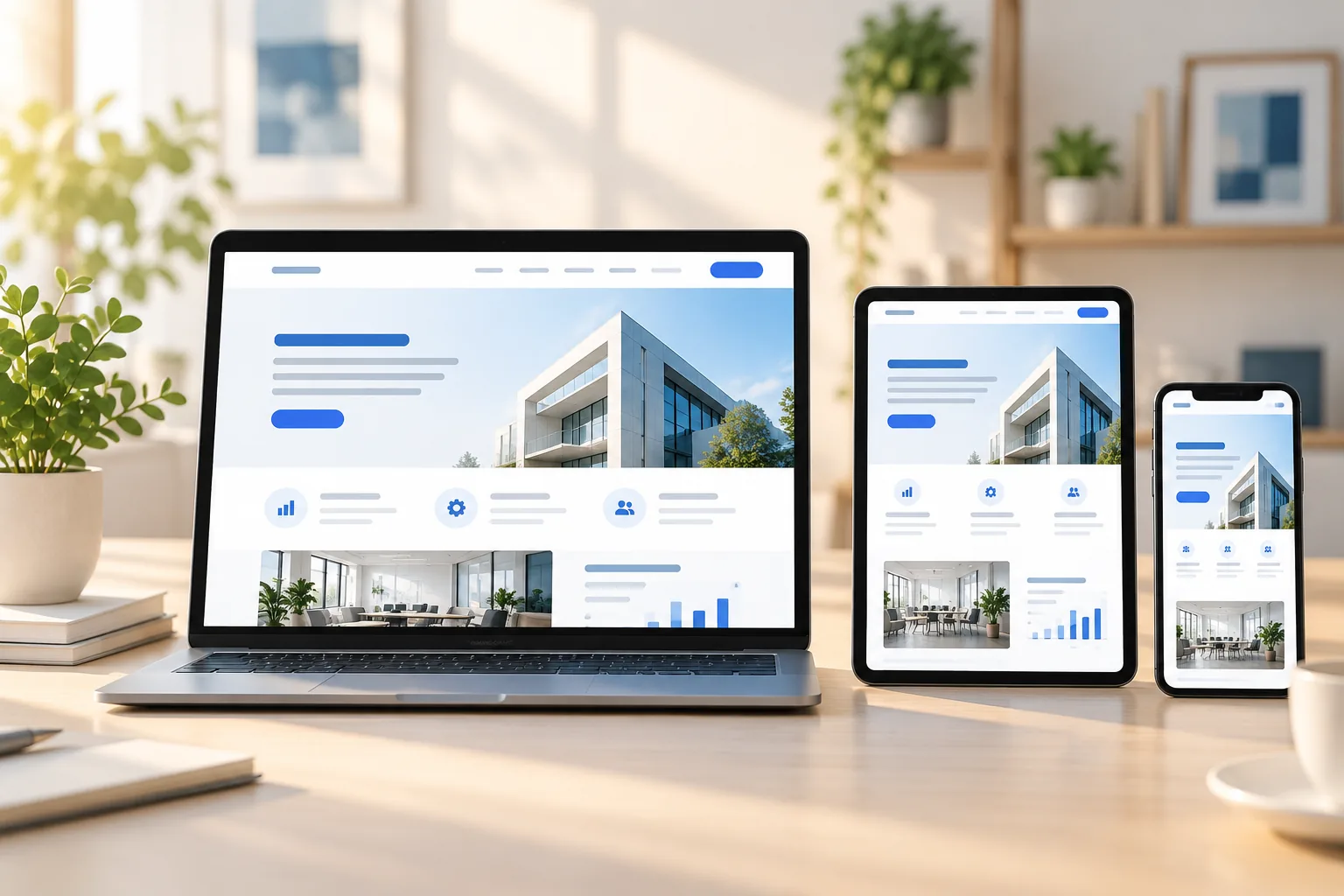
Think about mobile reading as well. Keep paragraphs easy to scan, make phone and enquiry links easy to find and avoid putting essential details only inside an image. This gives your WordPress developer a more realistic foundation for responsive layouts.
- Prepare real copy, images and contact details
- Identify content owners and approval steps
- Check that key actions work comfortably on mobile
Agree how the site will be managed after launch
Decide which team members will update pages, news, products or staff details. Ask for the WordPress editing experience to match those tasks, and clarify which changes can be made safely without a developer. List required forms, analytics, CRM connections or payment tools before implementation begins.
For a local business in Patna or nearby areas such as Kankarbagh, Boring Road and Bailey Road, also confirm service coverage and the best way to handle enquiries. A good brief records the launch scope, testing responsibilities, training and maintenance expectations in plain language.
- Name site editors and the content they will manage
- List required integrations and account owners
- Document testing, handover and support expectations
A clear checklist does not need to be complicated. When the audience, pages, content and ownership are agreed, your WordPress website design and development can focus on a useful customer experience rather than avoidable guesswork.