The last stage of mobile app development is not simply pressing publish. A reliable release checks the journeys users depend on, prepares the team behind the app and sets expectations for fixes and updates after launch. Testing should reflect real devices and ordinary conditions.
Test complete user journeys
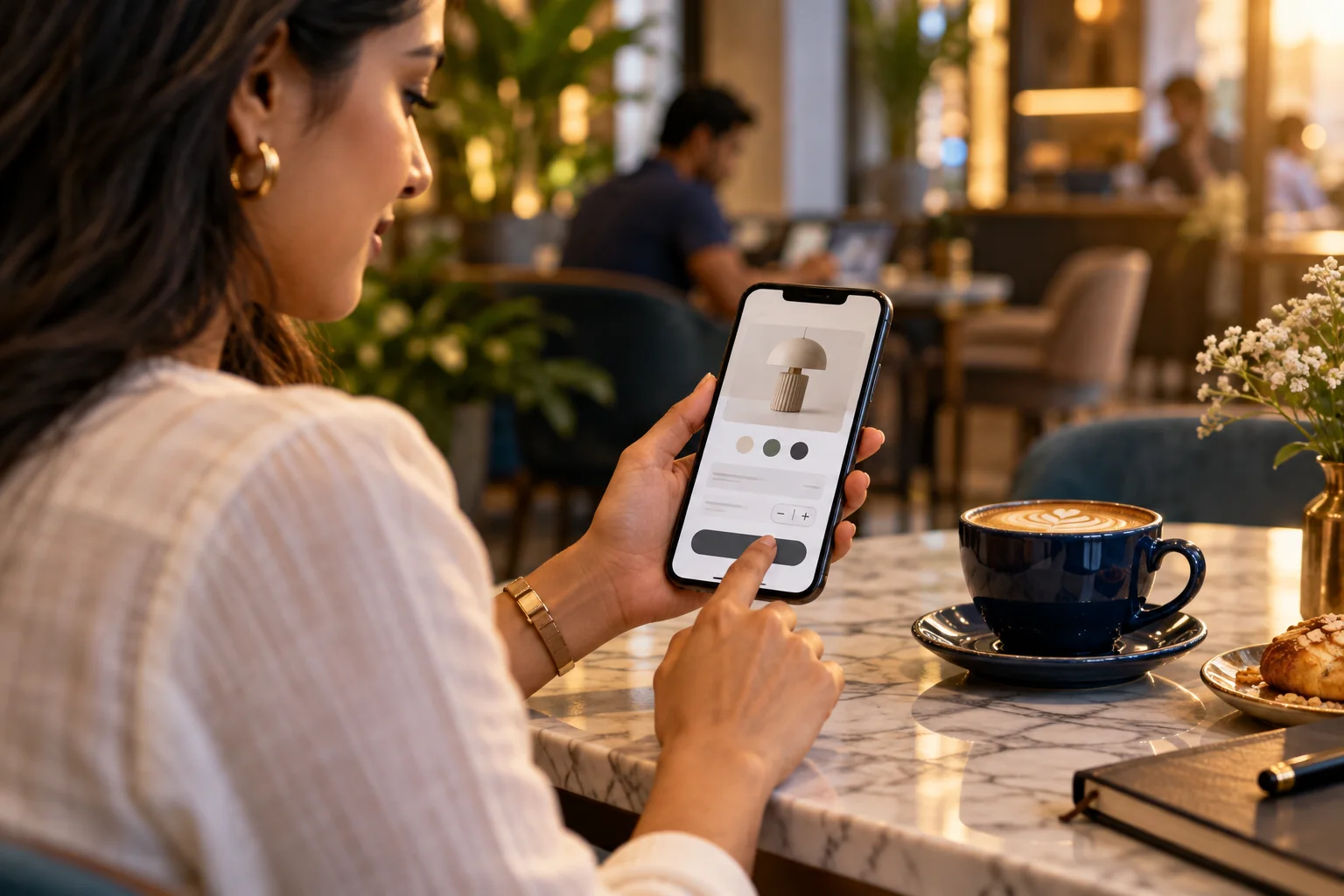
Move through the app as a new customer, a returning customer and a staff member where relevant. Check registration, login, booking or purchase, notifications and account recovery. Test what happens when a network request fails or a user leaves a task halfway through.
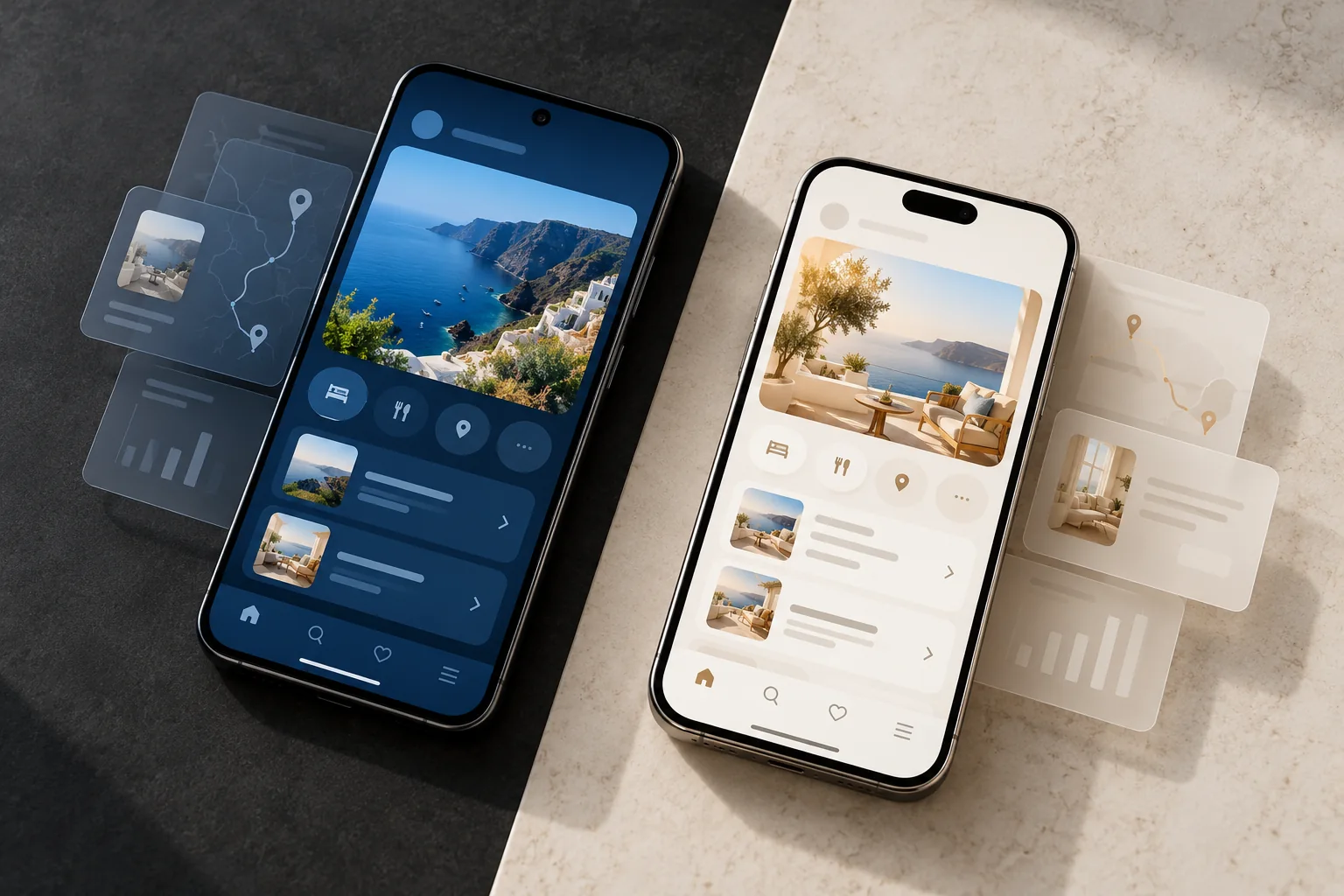
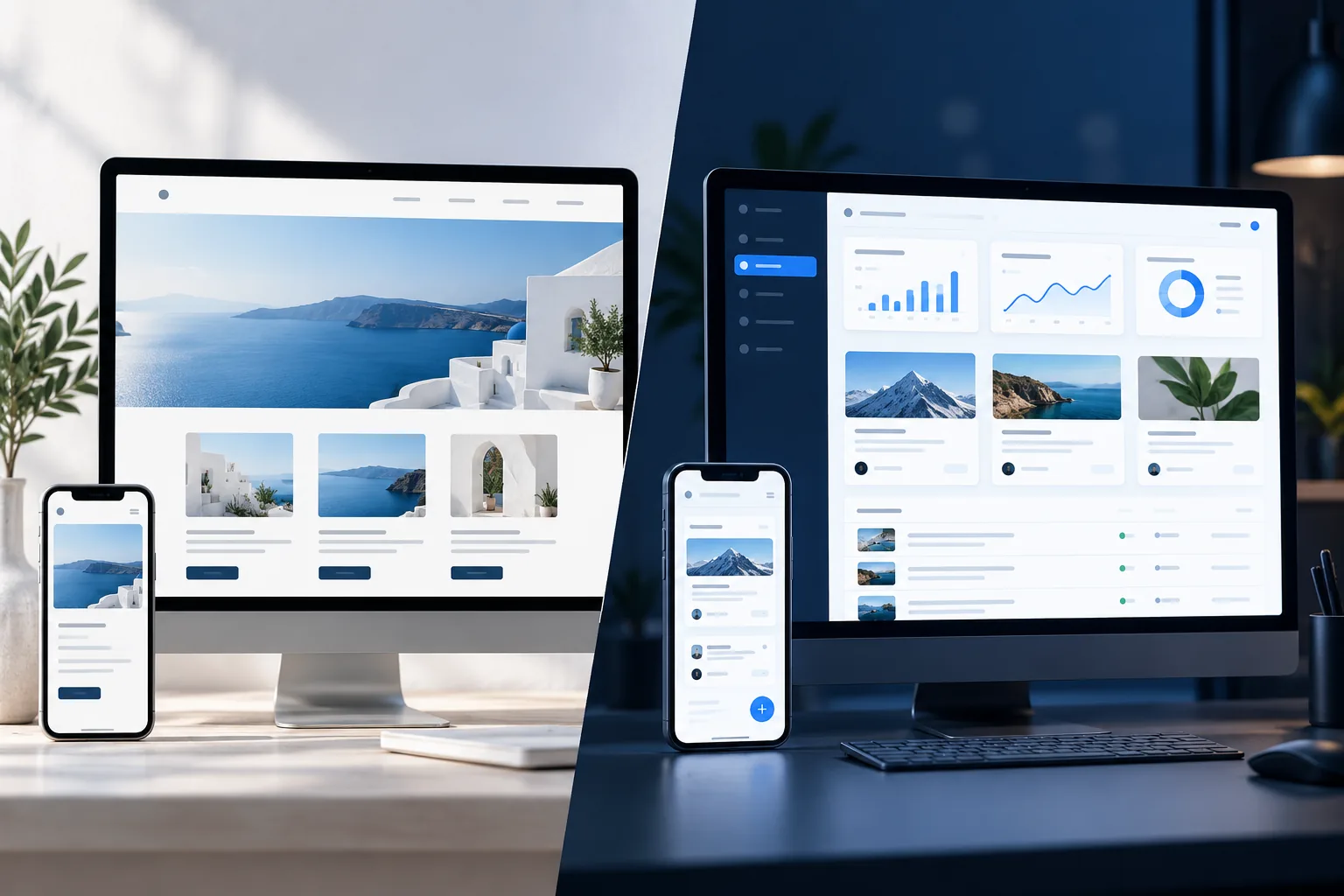
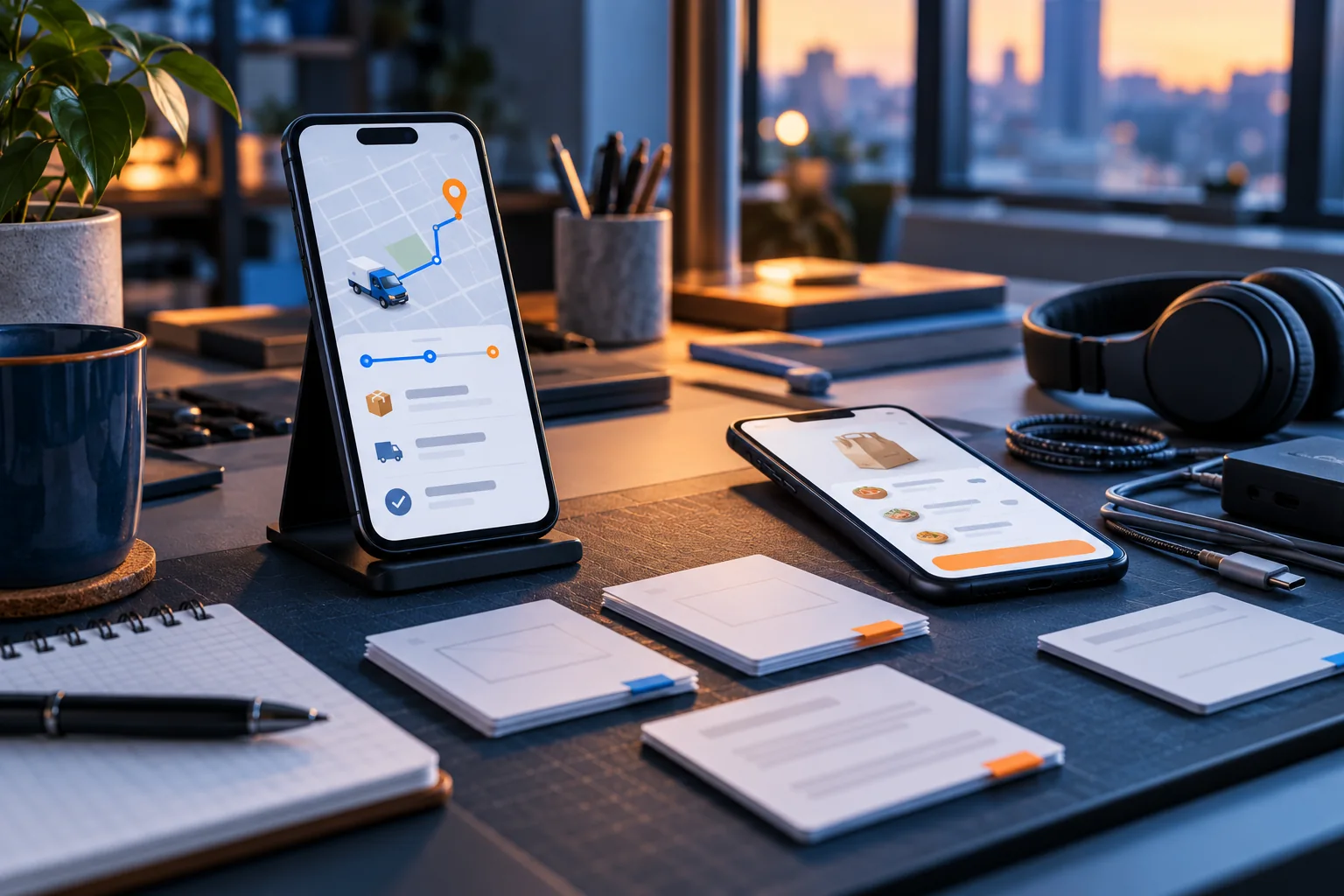
Screens that look correct in a design file can behave differently on actual Android and iOS devices. Check different screen sizes, operating-system versions and permissions. Ask the Android Mobile App Developer and iOS team how issues are recorded and prioritised before release.
- Test primary tasks from start to confirmation
- Include failed and interrupted scenarios
- Review on representative real devices
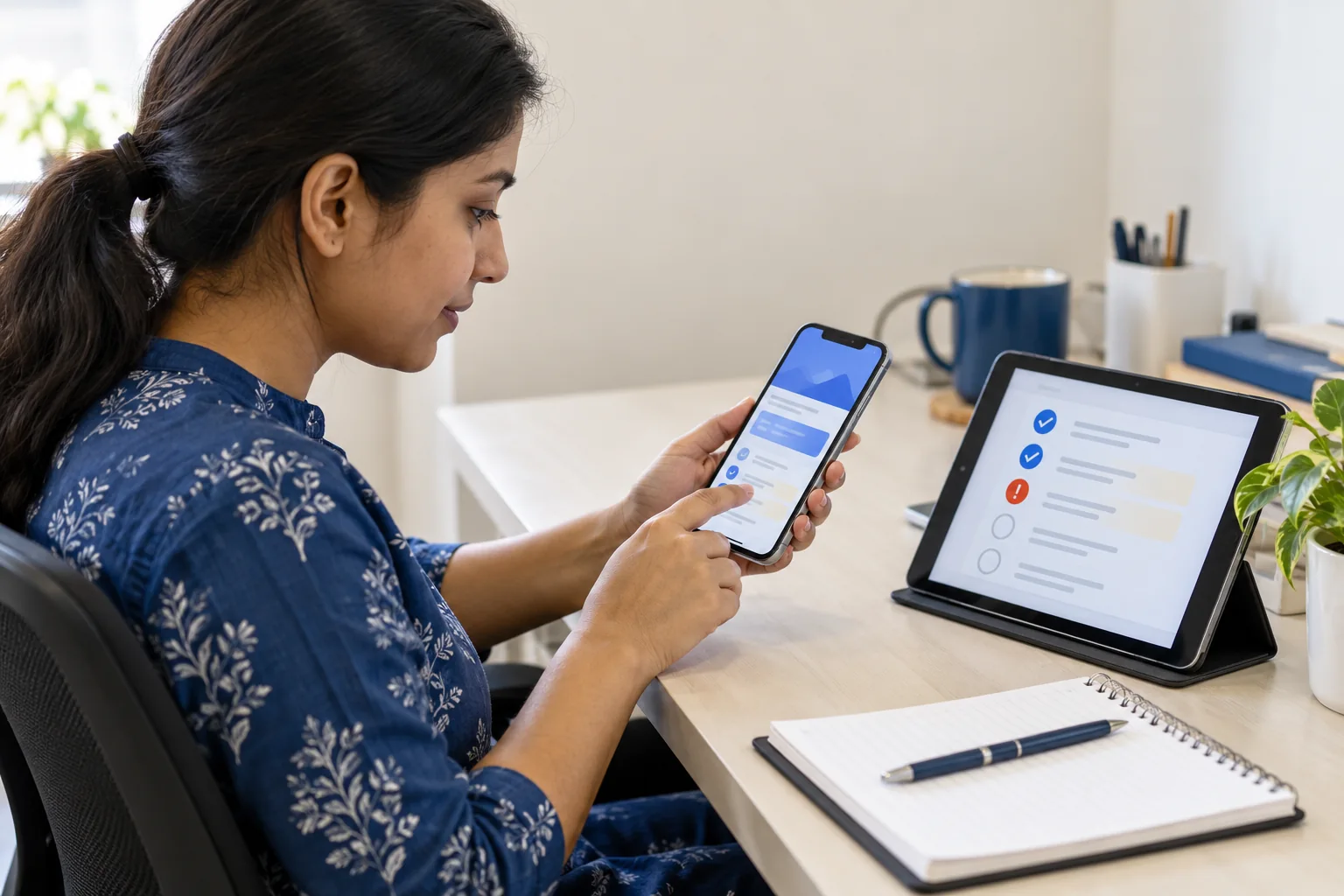
Prepare accounts, data and store assets
Know who owns the publishing accounts, code repository and third-party services. Review privacy information, support contacts, screenshots and app descriptions before submission. Check that test data is not left in live accounts and that credentials are transferred securely.
A Mobile App Development Company in Patna should explain which tasks belong to the development team and which require decisions from your business. Keep a documented handover so app updates do not depend on a single person’s memory.
- Confirm ownership of store and service accounts
- Prepare accurate app descriptions and support details
- Remove test data before release
Plan what happens after launch
Decide how users report issues, who responds and how urgent problems are escalated. Monitor the main journeys and listen to support questions. The first release will teach you where customers hesitate and what needs refinement.
Businesses in Patna, Bihar and nearby areas can start with a focused launch audience, gather feedback and improve in planned releases. If you searched for a mobile app developer near me, ask how maintenance and operating-system updates are handled after the app is live—not just the initial delivery date.
- Agree on a support and update plan
- Track feedback on important tasks
- Prioritise improvements using real usage
A careful launch gives the app a better chance to be genuinely useful. Test the full experience, clarify ownership and be ready to keep improving after real customers begin using it.